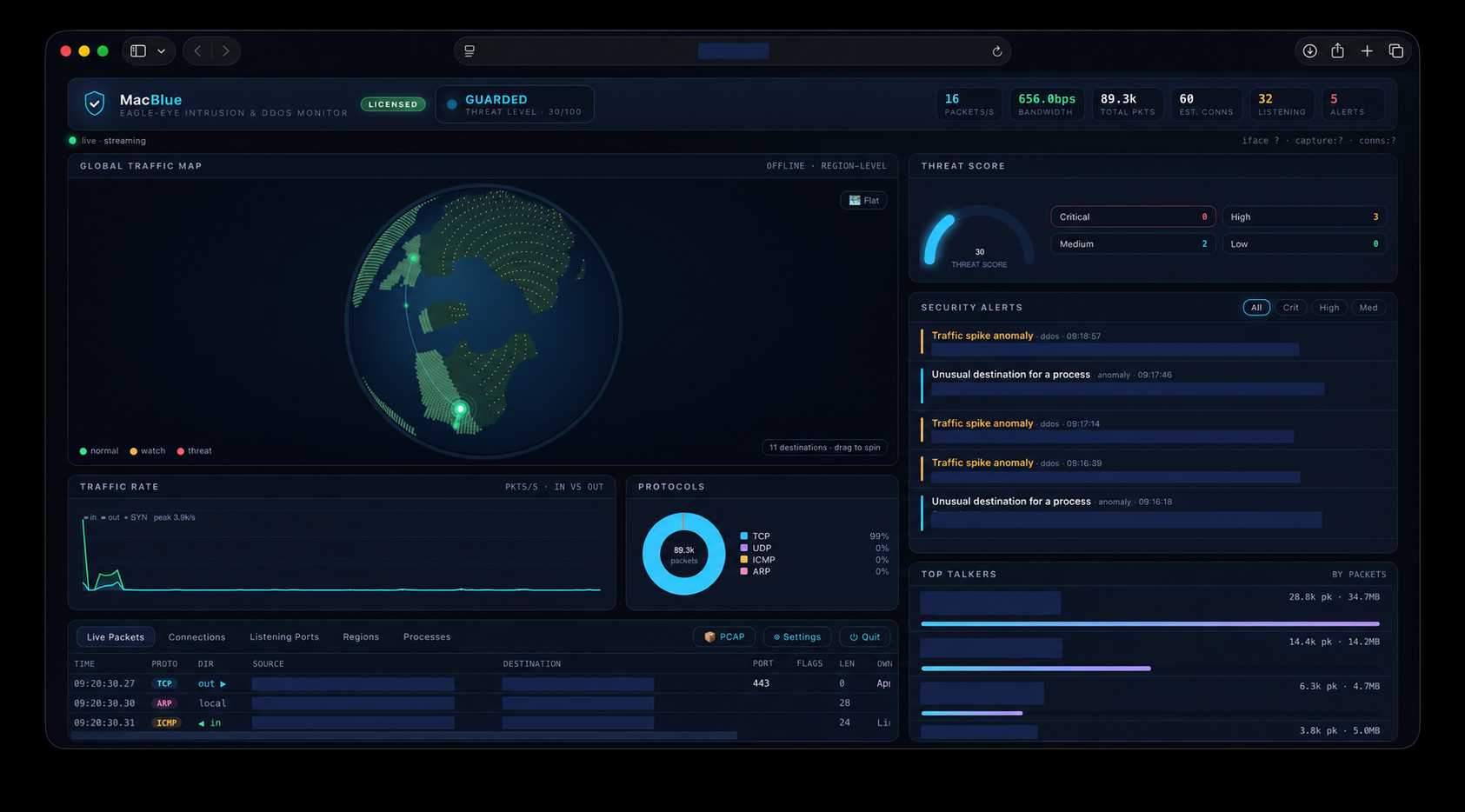
Live traffic view
See current packets, connections, listening ports, traffic rates, and top talkers.

by GotRoot Labs
Live network threat monitoring for macOS.
MacBlue monitors network traffic on your Mac, highlights suspicious activity, and lets you investigate hosts and ports in a live local dashboard. It requires administrator access for packet capture.
See current packets, connections, listening ports, traffic rates, and top talkers.
Flags flood patterns, port scans, suspicious hosts, ARP changes, and unusual DNS activity.
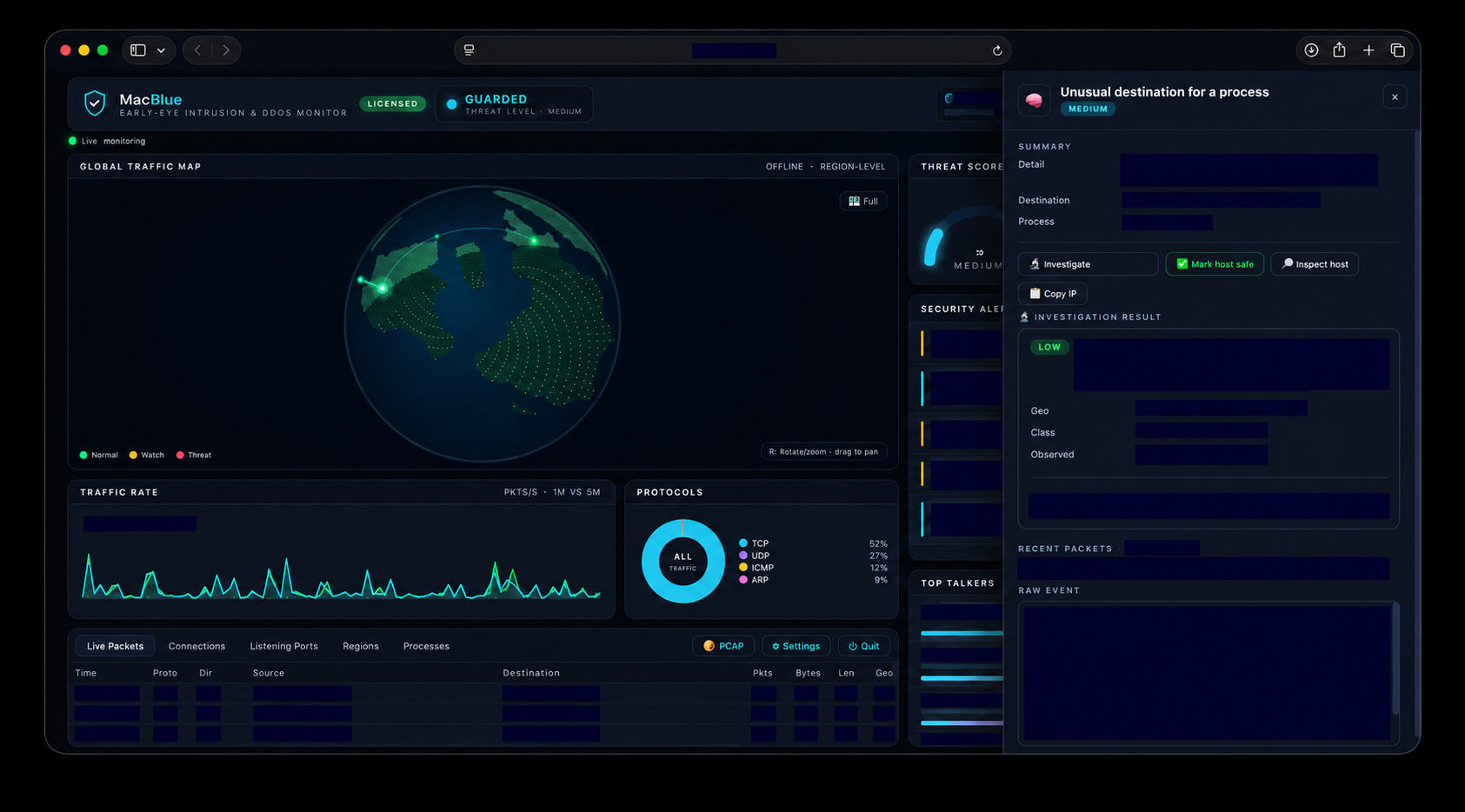
Inspect a host or port from the dashboard and save a local report.
Traffic analysis runs on your Mac. Optional online geolocation is off by default.
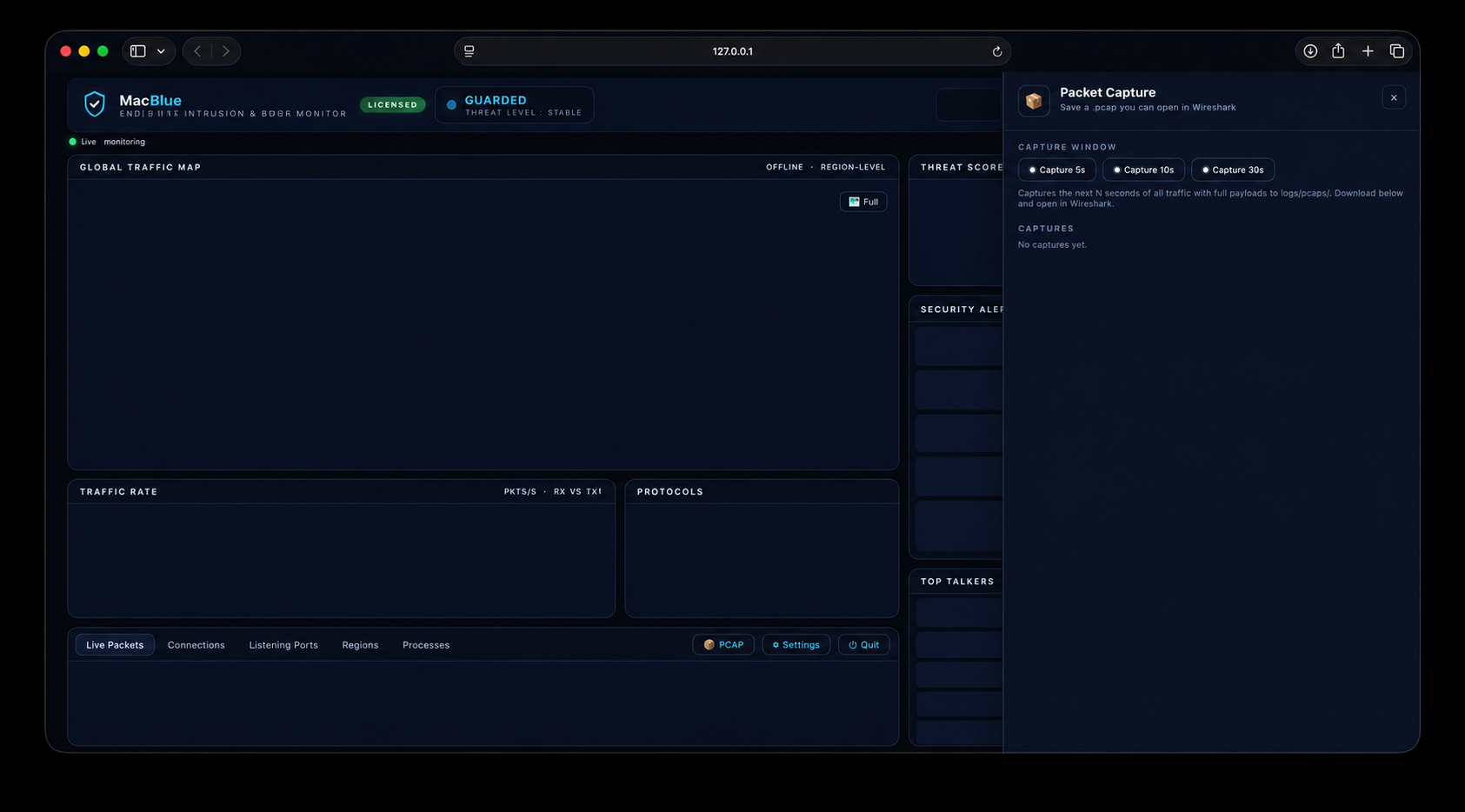
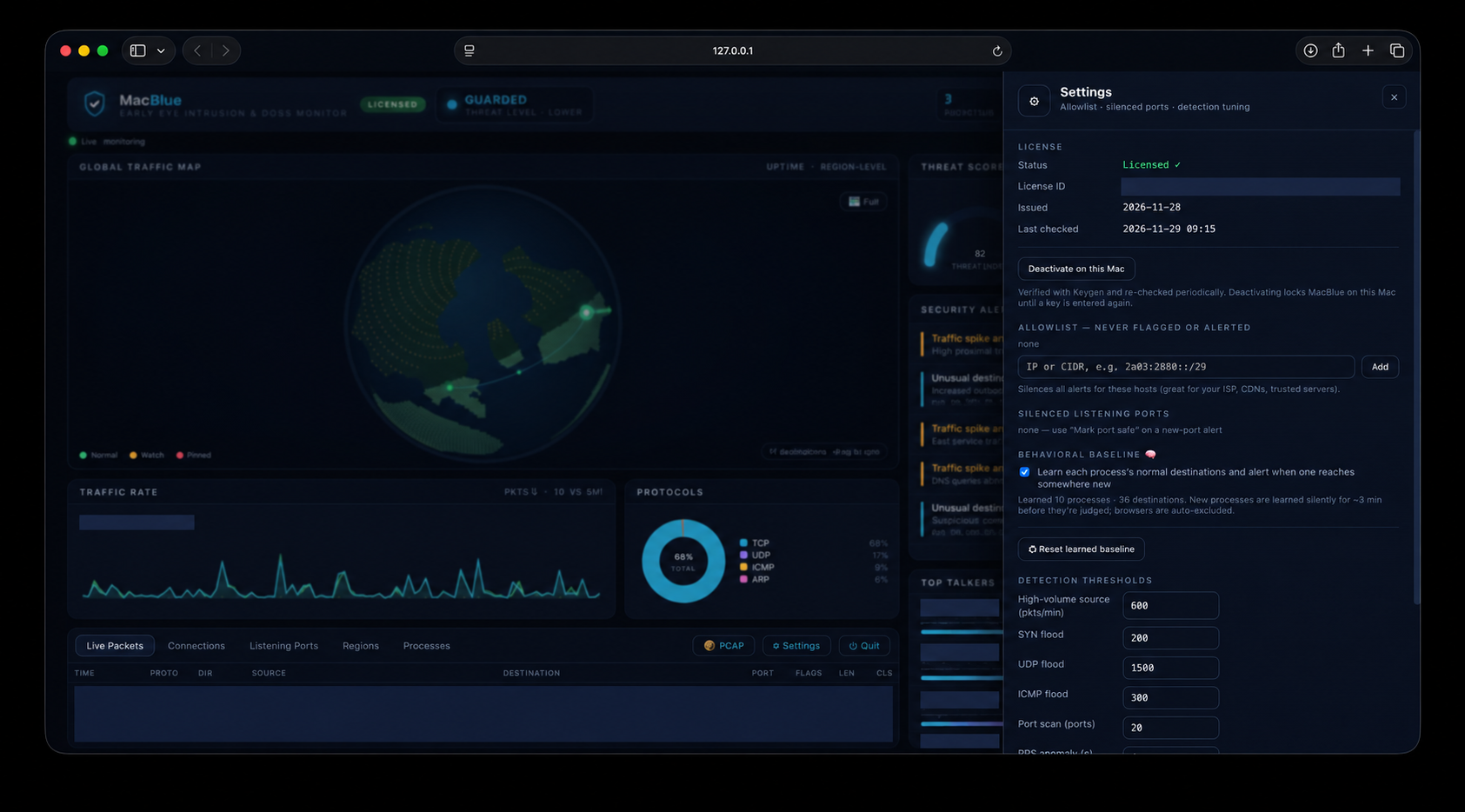
Live traffic, investigations, packet capture, and detection settings. Identifying details have been removed from these screenshots.
open MacBlue.appThis release is not Developer ID signed or notarized. macOS requires an explicit first-open approval. See Apple’s instructions.
| Platform | macOS 11 or later; Apple Silicon and Intel |
| Capture | Uses macOS tcpdump; administrator permission required |
| License | One-time purchase; online Keygen validation with limited offline grace |
| Distribution | Ad hoc signed; macOS requires a manual first-open approval |
Download the ZIP, extract MacBlue.app, and open it. macOS may ask you to approve the app in System Settings > Privacy & Security because this build is not notarized.
Enter your MacBlue license key in the activation screen. If the key from your purchase does not arrive, contact contact@gotrootlabs.com.
Packet monitoring and alerts run locally. License validation contacts Keygen; optional online geolocation is off by default.